This article is part of our complete travel eSIM guide for Pakistani travellers.
You can often keep your Pakistani SIM active while using a travel eSIM for mobile data. That is the practical dual-SIM arrangement many travellers want: the home number stays available for calls or one-time passwords, while the travel line handles maps and internet abroad.
The safe setup
Before departure, label both lines, select the travel eSIM for mobile data and keep the Pakistani SIM assigned to calls and messages if your phone supports it. Then check your Pakistani carrier’s roaming, call and SMS charges directly. They are separate from the travel eSIM.
Why keep the Pakistani SIM on?
Banking, airline accounts and familiar contacts may still use your Pakistani number. Keeping the line available can make those messages easier to receive. It does not mean you should let it use mobile data abroad. The goal is to give each line a clear job.
Before travel, update important accounts with a backup recovery option where possible. A security code can arrive late or be blocked by a service, and that is not something an eSIM can solve at the airport.
Which line should use data?
Set the travel eSIM as the mobile-data line after you arrive, following its activation instructions. Turn off any automatic data-switching setting if your phone has one. That reduces the chance that the home SIM starts using data when the travel line has a weak signal.
Data roaming may need to be enabled for the travel eSIM, depending on the product. Do not copy that setting to the Pakistani SIM without first checking your carrier’s charges. The carrier’s current roaming policy is the source of truth.
How should you label the lines?
Use plain labels. “Pakistan calls” and “Travel data” are easier to understand than default line names when you are tired. On an iPhone, Apple’s official eSIM guide describes adding and managing a line. Android users should follow their manufacturer’s instructions, with Google’s Pixel guide as an example.
What about calls and WhatsApp?
WhatsApp normally remains linked to the number you originally registered, as long as you do not change that number in the app. It uses whichever data connection your phone provides. Regular phone calls, however, follow the calling line and may incur carrier charges. Check before answering or making an international call.
For important conversations, app-based calls over the travel data line can be more predictable, subject to local rules and the other person’s connection.
What if your phone has one physical SIM slot?
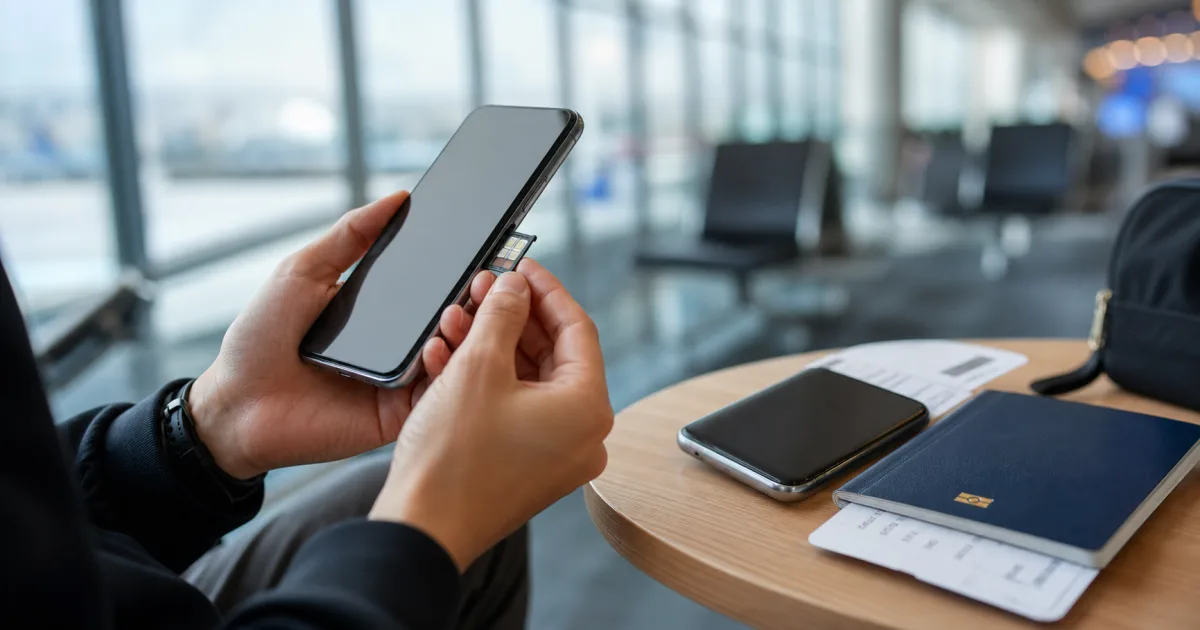
That is often still enough. A physical Pakistani SIM can stay in the tray while a travel eSIM is added digitally. The limitation is the phone’s model and regional configuration, so use the compatibility checker first. Do not assume that every version of a phone supports the same combination of active lines.
How do you reduce surprise roaming charges?
Turning off mobile data for the Pakistani line is only one control. Calls, voicemail, outgoing SMS and carrier services can have separate roaming prices. Ask the home carrier about receiving SMS, answering calls and voicemail before departure. The travel eSIM provider cannot see or control fees billed by the Pakistani carrier.
Before you leave
- Confirm you know which line is set for data, calls and messages.
- Turn off data roaming for the Pakistani SIM unless your carrier confirms it is suitable.
- Save carrier support details and your travel eSIM order conversation.
- Try a simple call and message at home so you recognise the line labels.
For the wider choice between a digital and physical travel option, see eSIM vs physical SIM for travel. It explains the trade-offs without assuming one setup fits everyone.