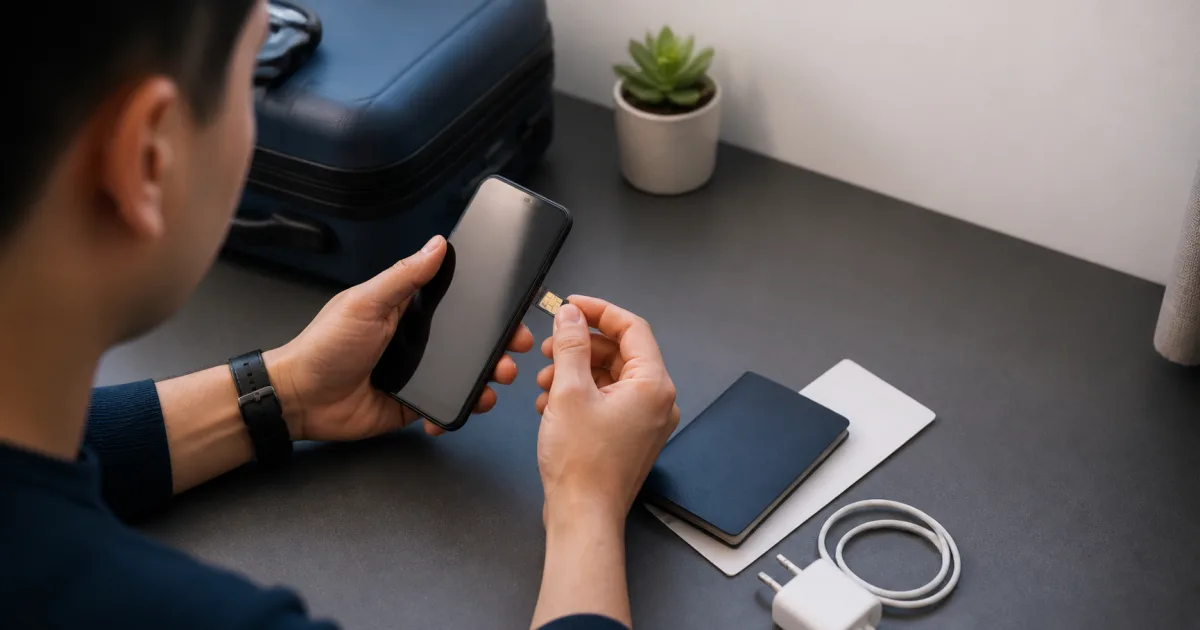
This article is part of our complete travel eSIM guide for Pakistani travellers.
Install your travel eSIM before the flight whenever the provider allows it. The profile download needs a reliable connection, and home Wi-Fi is a much better place to solve a settings problem than an airport arrival hall. The important detail is that installing a profile is not always the same as starting a plan.
The quick answer
Install on Wi-Fi before departure, read the plan’s activation rule, and turn on the new line at the destination when instructed. Do not rely on a general rule because validity and activation policies differ between offers.
What is the difference between installation and activation?
Installation places the eSIM profile on your phone. Activation is the point at which the plan becomes usable or its validity period begins. Those events can happen at different times. The confirmation email for your exact plan should state the rule, so read it before scanning the QR code.
This distinction matters for short trips. If a plan begins on installation, doing it too early can waste part of the validity period. If it begins on first connection at the destination, installing early is usually the less stressful option. If the wording is unclear, contact support before you travel.
Why is pre-flight installation safer?
You have Wi-Fi, a charger and time. You can also keep the QR code open on a second screen or use the manual activation details. Apple’s eSIM setup guidance and Google’s Pixel guide both show that the phone needs a connection during setup.
Pre-flight installation also lets you name the line. A label such as “Travel data” is clearer than a default name when you later choose which SIM should use mobile data.
When does installing after landing make sense?
It can make sense when the plan explicitly starts on installation and you are certain that airport Wi-Fi will be available. It can also work when you are buying only after confirming your destination. Even then, save a backup route to your hotel and do not assume the Wi-Fi registration page will be simple.
For most travellers, the downside is unnecessary uncertainty. A small setup task at home is easier than a small setup task after a long flight.
What should you do on the travel day?
- Confirm the profile is installed and visible in your mobile settings.
- Keep the activation email and manual code available offline.
- Leave the travel line off until the plan instructions say to enable it.
- On arrival, choose it for mobile data and enable data roaming only if the plan requires it.
- If it does not connect, wait briefly, restart the phone, then review the plan instructions before changing several settings at once.
Can you delete the eSIM after the trip?
Usually yes, once you no longer need it. Do not delete a profile while you are still troubleshooting, because a QR code may be single-use. Keep the profile until the plan has finished and you are sure there is no remaining support step.
What is the fallback if airport Wi-Fi fails?
Prepare the first hour of the trip for offline use. Save the hotel address, booking reference, transport details, an offline map and the support conversation before departure. If the eSIM is already installed but does not connect, confirm the travel line is selected for data and follow the plan instructions. Avoid deleting the profile or repeatedly scanning the QR code; that can turn a settings problem into a replacement request.
Bottom line
Install early, activate carefully. That approach respects the plan’s timing rules without leaving a basic phone task for the moment you are most likely to be rushed. For device-specific steps, use our iPhone guide or Android guide.